Faceted Search For WooCommerce
A shopper who searches “jacket” and gets 214 results doesn’t want a better page of results — they want to narrow it: this brand, in stock, on sale. That’s faceted search, and doing it live on a WooCommerce database is exactly as slow as doing it once, multiplied by every click.
2What Faceted Search Is — And Why Counts Are The Point
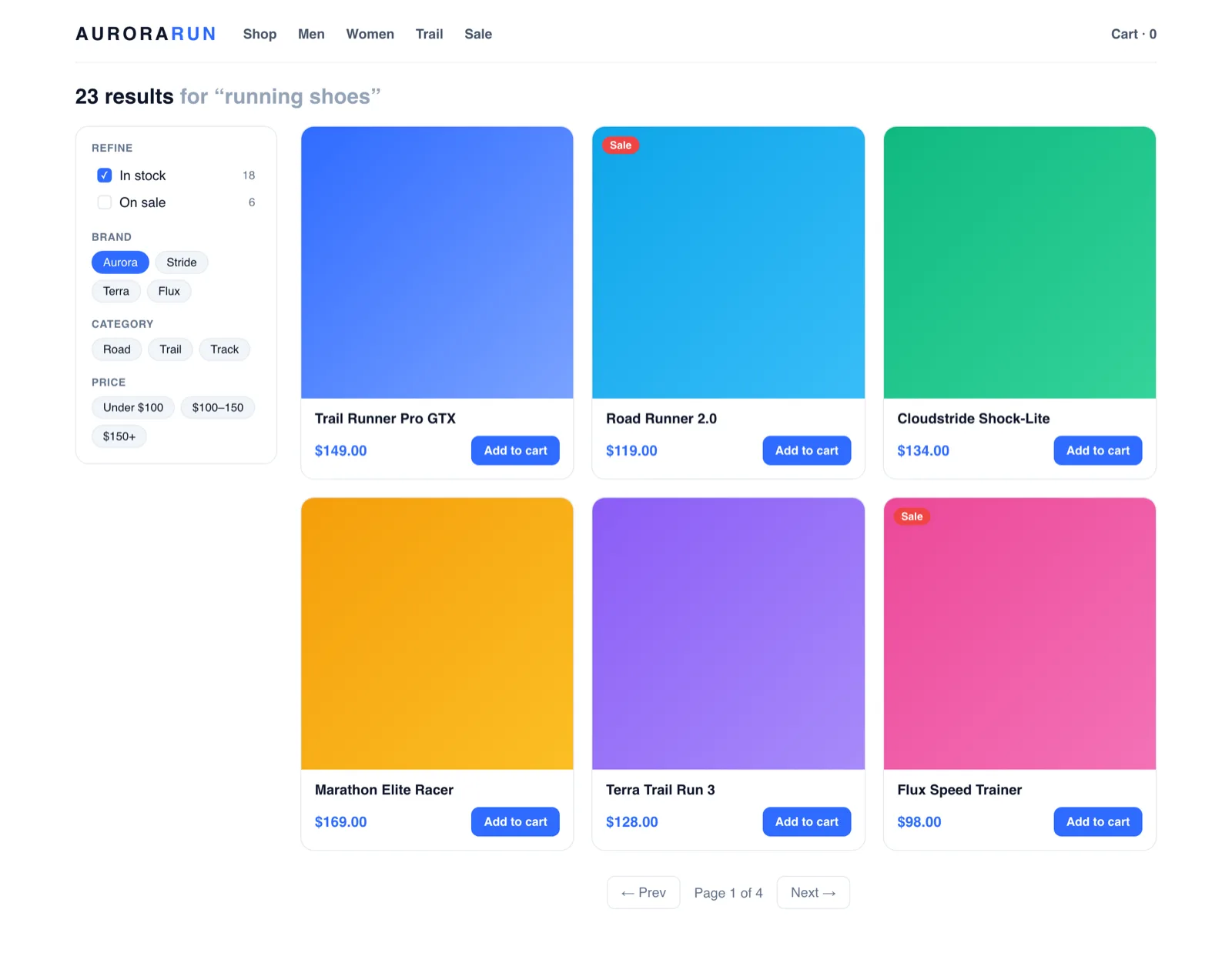
Facets are filters generated from the results themselves, each labelled with how many results it holds. Search “jacket” and a facet rail doesn’t just offer “Brand” — it offers this brand, with 12 in-stock jackets behind it, recalculated live as the shopper refines. The counts are what make it feel effortless: shoppers never click into an empty page, because the interface told them what was behind every door before they opened it.
That’s also why faceting is brutal to run on a store database. Every facet count is another aggregation query, per facet, per keystroke, per refinement — precisely the workload a transactional MySQL database on shared hosting is worst at. Faceted search built on wp_postmeta is how a store’s search page becomes its slowest page.
2What NitroSearch Ships Today — Exactly
Results and facet counts come back together in a single round trip to the engine, so refining feels as instant as searching. The facets live today:
- Category — multi-select, matching your WooCommerce category tree.
- Brand — multi-select, with live counts per brand.
- In stock — one honest toggle for availability.
- On sale — surface the promotions inside any search.
They appear in the instant dropdown and on the full results page, with pagination and add-to-cart alongside. Two behaviours worth noticing, because their absence is what makes cheap faceting infuriating:
- Options don’t vanish when picked. Selecting one brand doesn’t hide the others — counts stay scoped to the search, so shoppers can broaden as easily as they narrow.
- Counts never lie. They’re computed by the engine with the results, not estimated — a facet promising 12 products delivers 12 products.
And the roadmap, labelled as roadmap: facets for price and for product attributes (size, colour, material) are coming, and until they ship you won’t find a page of ours implying otherwise.
Faceting Is Where Off-Server Search Pays Twice
Every refinement a shopper makes is another query. Where those queries run decides whether filtering invites exploration or punishes it.
One Round Trip
Results and every facet count come back together from the engine — refining doesn’t queue a stack of aggregation queries on your database.
Zero Load Per Click
Each refinement goes browser-to-engine like every search. A shopper exploring eight filter combinations costs your hosting nothing.
Your Pages Untouched
Facets enhance the search results page. Category and shop pages keep working exactly as your theme built them.
Facets work best on a results page that’s already instant — that story is in AJAX search and why WooCommerce search is slow.
Frequently asked
What is faceted search?
What’s the difference between facets and filters?
Which facets does NitroSearch ship today?
Do the filter counts update as shoppers refine?
Does faceted search replace my category pages?
More on WooCommerce search
WooCommerce behaviour and product capabilities described on this page last checked 1 August 2026.
Turn 214 Results Into The Right Three
Faceted search on every plan — free up to 100 search results, live in minutes.
Free up to 100 search results · No card required · Cancel anytime